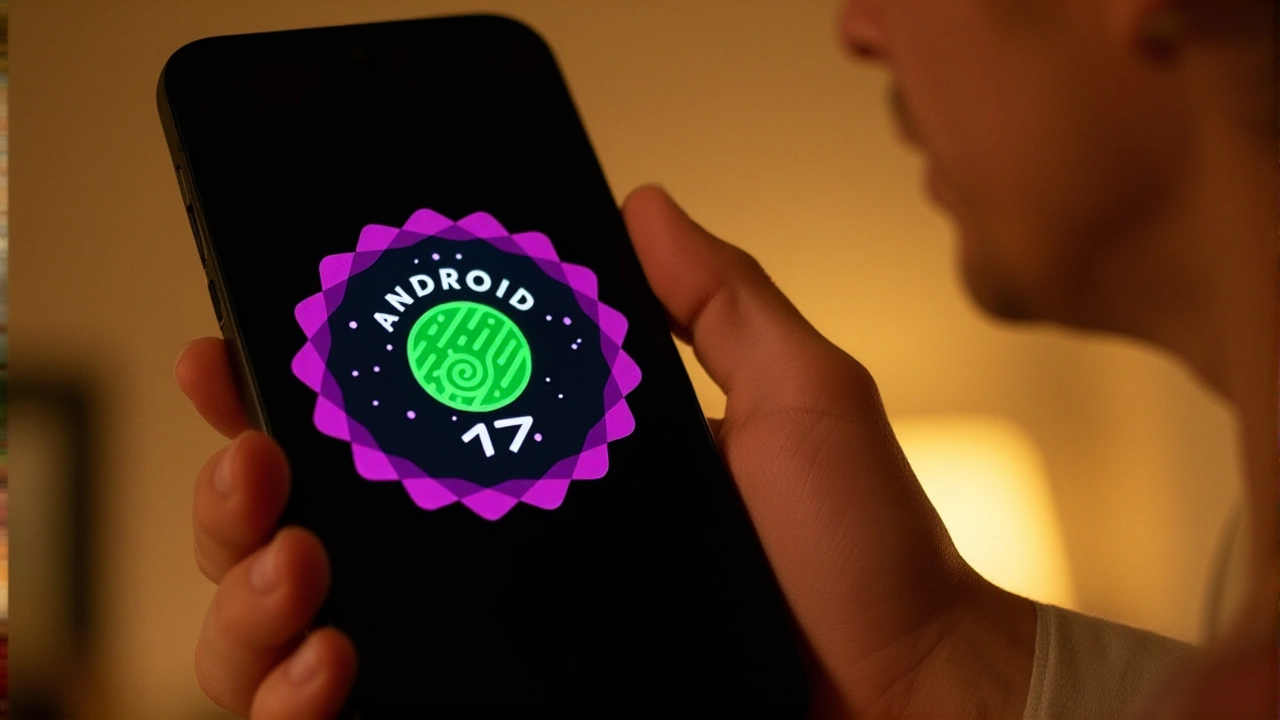
It’s finally here. Android 17, the latest major operating system from Google, has officially started rolling out to users worldwide. If you’re holding a recent Google Pixel, the update is likely already sitting in your settings menu. But for everyone else? The wait game is just beginning.
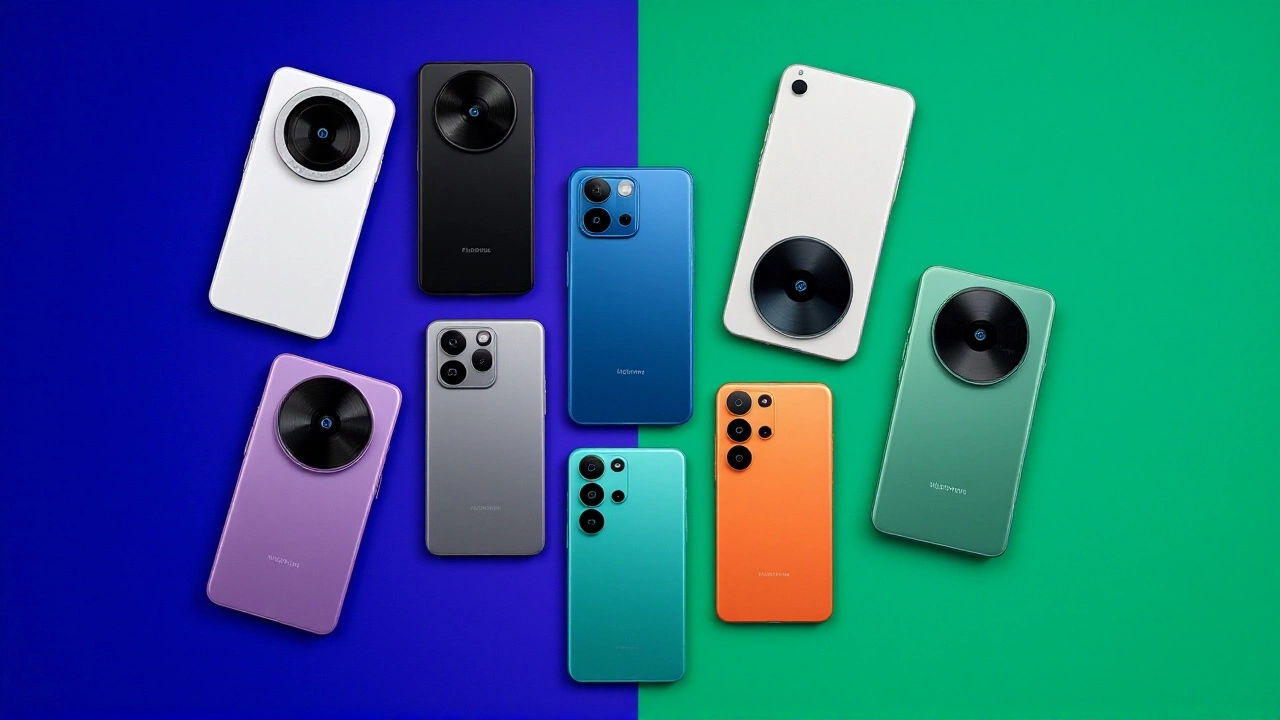
The stable build hit Google Pixel devices first, as expected. However, the ripple effects extend far beyond Google’s own hardware. With manufacturers like Samsung Electronics and others promising faster update cycles, this release marks a significant shift in how long our phones stay relevant. Here’s what you need to know about eligibility, features, and whether your current phone will survive the upgrade.
Who Gets Android 17 First?
Let’s cut to the chase: if you have a Pixel 6 or newer, you’re in luck. That includes the Pixel 6, 6 Pro, 6a, and every subsequent model up to the Pixel 10 series, including the Fold and Tablet variants. Droid Life confirms that the initial stable rollout covers every handset released since the Tensor G1 era.
But what about non-Pixel users? It’s a bit more nuanced. Samsung has committed to seven years of OS updates for its flagships. This means the Galaxy S23 and any newer S-series device should make the switch. For mid-range buyers, the Galaxy A24 and later models are also on the list. As a general rule of thumb, if your phone launched in 2024 or later, there’s a strong chance it’ll get Android 17 without breaking a sweat.
- Immediate Rollout: Pixel 6 and newer (including Folds and Tablets).
- Samsung Eligibility: Galaxy S23+ and Galaxy A24+.
- Beta Access: Available now for Honor, iQOO, Lenovo, OnePlus, OPPO, Realme.
- General Rule: Devices released in 2024+ are likely eligible.
New Features That Actually Matter
So, why bother updating? Turns out, there’s more than just a fresh coat of paint. Google has packed Android 17 with quality-of-life improvements that feel less like gimmicks and more like solutions to problems we didn’t know we had.
First up is multitasking. The "Bubbles" feature, previously limited to messaging apps, now expands to almost all apps. You can stack up to five floating windows at once. Imagine pulling up your notes while browsing, keeping a map open, and chatting—all without switching screens. It’s chaotic, sure, but oddly efficient.
For content creators, "Screen Reactions" is a standout. When recording your screen, you can now activate your selfie camera to overlay your face. No green screen needed. It’s perfect for tutorials or adding personality to gameplay clips. And if you own a foldable, the new gaming mode splits the screen into a view and a dynamic controller layout, turning your device into a handheld console.
Security and Privacy Upgrades
Here’s the thing about security: you usually don’t notice it until it’s gone. Android 17 tightens things up significantly. You can now grant temporary precise location access instead of choosing between "always allow" and "never." It’s a small change, but it stops apps from tracking you when they don’t need to.
Contact sharing gets granular too. Instead of handing over your entire address book, you can share specific contacts only. More importantly, the "Mark as Lost" feature in Find My Device now locks your phone with biometrics only. Even if someone knows your PIN, they can’t unlock it or turn off tracking. Live Threat Detection has also been beefed up to catch more scams before they cause damage.
Gemini Intelligence and AI Integration
The big buzzword? Gemini. Android 17 introduces "Gemini Intelligence," starting on Pixel and Samsung phones this summer. This isn’t just chat; it’s action. Think completing a grocery order, booking a class, or scanning a brochure to find activities—all via natural language commands.
There’s also "Gemini Omni" for video generation and editing, plus conversational photo editing in Google Photos (rolling out to Germany, the UK, France, Spain, and Italy). On the keyboard front, Gboard’s new "Rambler" feature promises smarter voice-to-text capabilities. It’s clear Google is betting everything on AI becoming the primary interface for our phones.
Connectivity and Quality of Life
Finally, some long-requested tweaks. Quick Share now works like AirDrop across more brands, including OPPO, OnePlus, Vivo, Xiaomi, and Honor. File sharing between iPhone and Android households just got a lot less painful. Also, mobile data and Wi-Fi toggles are finally separated in Quick Settings. Yes, it’s simple. No, you won’t forget how useful it is until you have it.
Dark theme controls are now per-app, so you can keep one app dark while another stays light. And for those who hate their assistant shouting at them, there’s a separate volume control for on-device Assistant. Small wins, but they add up.
Frequently Asked Questions
Will my Samsung phone get Android 17?
If you have a Galaxy S23 or newer, yes. Samsung guarantees seven years of OS updates for its flagship devices, ensuring these models will receive Android 17. Mid-range Galaxy A24 and newer models are also expected to get the update under their six-year support policy.
What is the "Bubbles" feature in Android 17?
Bubbles allows you to run multiple apps simultaneously in floating windows. Previously limited to messaging, Android 17 expands this to almost all apps. You can stack up to five bubbles at once, enabling seamless multitasking without leaving your current screen.
How does Android 17 improve security?
Android 17 introduces temporary precise location access, granular contact sharing, and an enhanced "Mark as Lost" mode that requires biometrics to unlock a missing device. Live Threat Detection is also improved to block more suspicious apps and scams, reducing the risk of fraud.
When will Gemini Intelligence be available?
Gemini Intelligence is launching on Pixel and Samsung phones this summer. It enables advanced AI tasks like completing orders, booking classes, and generating custom widgets. Other partner devices may receive beta access earlier through the Android Developers program.
Can I use Quick Share with iPhones?
Yes. Android 17 expands Quick Share compatibility to function similarly to Apple's AirDrop. This makes file sharing between Android devices (including brands like OPPO and Xiaomi) and iPhones much easier, eliminating the need for third-party apps.